

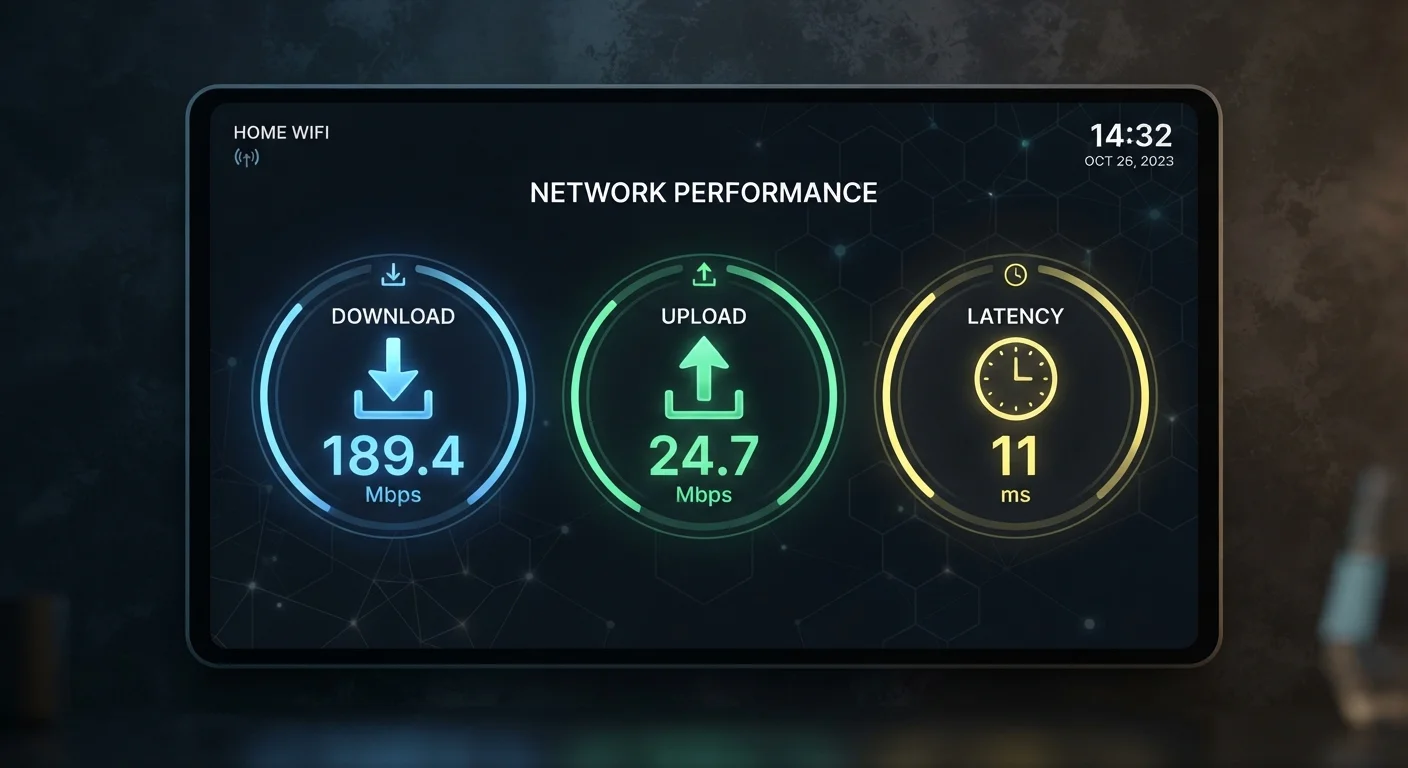
Why Three Numbers, Not One
When you run a speed test, you get three figures: a download speed, an upload speed, and a latency reading (often labeled "ping"). Most people glance at the download number, decide things look fine, and close the tab. That's a missed opportunity — each metric measures something completely different about your connection, and a weakness in any one of them will show up in a specific, predictable way.
Think of your internet connection like a two-lane road with traffic lights. Download speed is how wide the inbound lane is. Upload speed is how wide the outbound lane is. Latency is how long you wait at each traffic light before your data can move at all. A wide road with a very long red light still causes frustration.
| Download speed unit | Megabits per second (Mbps) |
| Upload speed unit | Megabits per second (Mbps) |
| Latency unit | Milliseconds (ms) |
| Latency threshold for gaming | Under 80 ms acceptable; under 30 ms preferred |
| Video call latency threshold | Delay becomes noticeable above ~150 ms |
| 4K streaming bandwidth (typical) | 25 Mbps or more per stream |
| Connection types most likely to be symmetric | Fibre-to-the-premises (FTTP) |
| Highest-latency common technology | Geostationary satellite (often 500–600 ms) |
Understanding these three figures lets you diagnose slowdowns accurately rather than assuming you simply need "more speed." As explored in common misconceptions about internet speed, many households already pay for more download bandwidth than they can actually use — yet still experience problems caused by upload speed or latency.
Download Speed: The Number Everyone Knows
Download speed, measured in megabits per second (Mbps), describes how quickly your connection can pull data from the internet to your device. Streaming video, loading websites, and receiving files all consume download bandwidth.
As a rough frame of reference, standard-definition video streaming typically requires 3–5 Mbps, while 4K HDR streaming from major platforms can demand 25 Mbps or more — per simultaneous stream. A household with multiple people streaming, gaming, or video-calling at the same time needs to multiply accordingly. The connection type reaching your home plays a large role in the ceiling these figures can reach; how fibre, cable, and DSL technologies differ explains why the same advertised speed can feel very different in practice depending on your infrastructure.
Advertised speeds are almost always theoretical maximums. Real-world throughput is affected by network congestion, the quality of in-home wiring, router performance, and how many devices are active simultaneously.
Upload Speed: The Overlooked Half of Your Connection
Upload speed measures how quickly your device can send data outward — to a server, another person, or a cloud service. Video calls, live streaming, uploading large files, and online gaming all depend on a healthy upload rate.
Many broadband technologies are asymmetric by design: cable and DSL connections often provide download speeds many times higher than their upload speeds, because providers historically assumed consumers would receive far more data than they'd send. Fibre connections are more commonly symmetric (matched upload and download speeds), though this varies by plan and provider.
The practical consequence is significant. A 200 Mbps download / 10 Mbps upload connection can feel sluggish on a video call where your outbound stream is competing with a file backup running in the background. If you work from home, share video frequently, or use cloud storage services that sync automatically, upload speed deserves as much attention as download speed when evaluating your plan.
Latency: The Speed of the Conversation
Latency is measured in milliseconds (ms) and represents the round-trip time for a small packet of data to travel from your device to a server and back. It is often called "ping" after the tool originally used to measure it.
Unlike download or upload speed, latency doesn't describe volume — it describes responsiveness. A connection with high latency feels sluggish even when the raw speed figures look healthy, because there's a long pause before each exchange of data begins. This matters most for:
- Online gaming: A latency above roughly 80–100 ms becomes noticeable; competitive gaming benefits from under 30 ms.
- Video calls: Latency above 150 ms introduces perceptible delay in conversation, causing the awkward "you go ahead" effect.
- Voice-over-IP calls: Similar sensitivity to video calls, since each packet of voice audio must arrive in near-real time.
- Web browsing: High latency makes pages feel slow to start loading, even if they eventually download quickly.
Latency is heavily influenced by the physical distance your data must travel, the technology type (satellite internet typically has much higher latency than fibre), and network congestion. The underlying routing infrastructure is explained in more depth in the article on how IP addresses, DNS, and DHCP route requests.
A related concept is jitter — the variation in latency over time. A connection with average 20 ms latency but swings between 5 ms and 80 ms will feel unstable, particularly on voice and video calls. Good speed test tools report jitter alongside the headline ping figure.
If you want to address these issues systematically, a home network audit checklist can help you identify whether problems originate inside your home or with the service itself.
The content on this site is for informational purposes only and is not a substitute for professional advice. Always consult a qualified professional for guidance specific to your situation.