

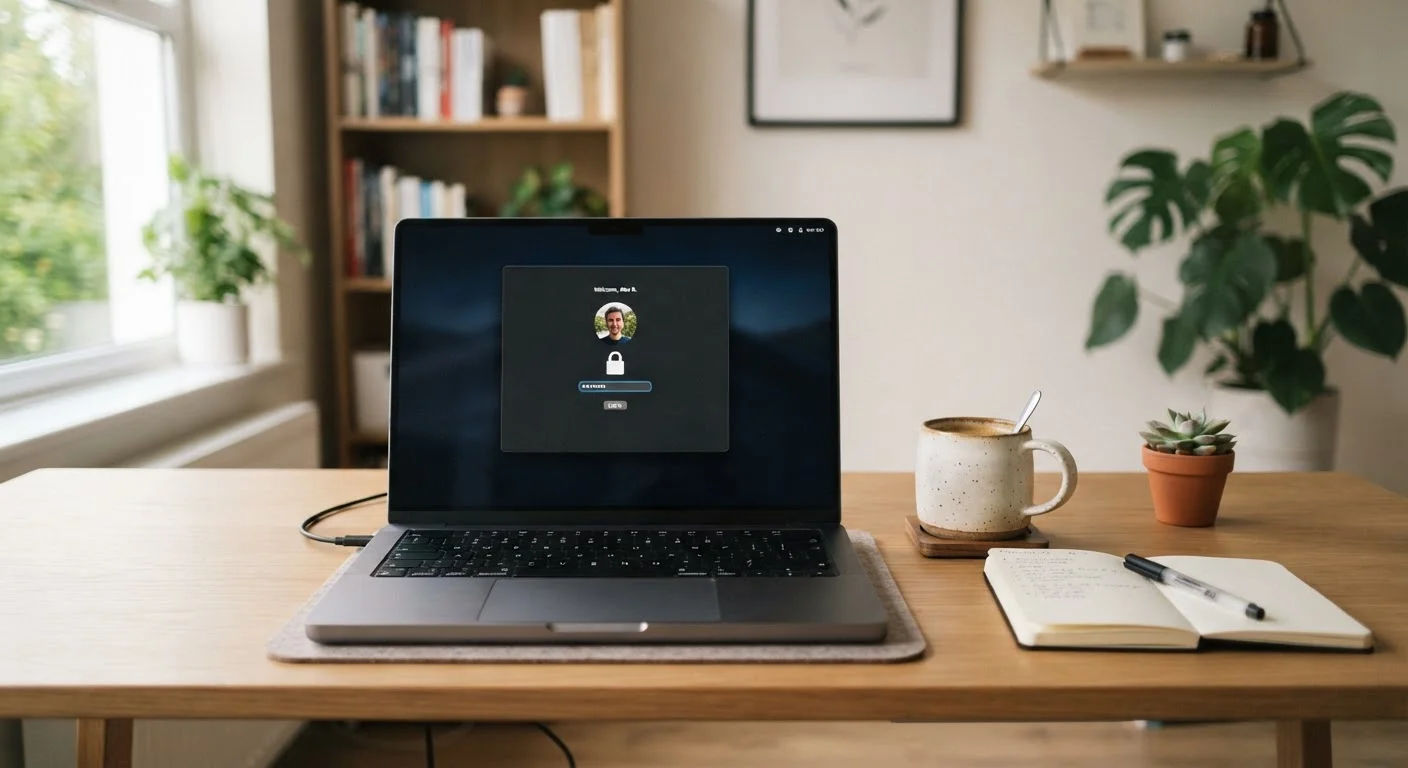
Why Account Security Feels Harder Than It Should
Most people know they should use stronger passwords and update their settings — but knowing and doing are different things when the advice feels abstract or the steps feel tedious. The good news is that the habits security professionals rely on most are not complicated. They're just underexplained.
The core threat model for everyday consumers is straightforward: most account compromises happen through leaked passwords (exposed in a data breach elsewhere), credential stuffing (automated tools testing stolen passwords across many sites), or phishing (a message designed to trick you into handing over your login). None of these require a sophisticated attacker. All of them are addressed by a short list of consistent practices.
For a broader foundation on protecting your data online, see our consumer's starting point for digital privacy.
The Practices That Genuinely Make a Difference
The following recommendations are prioritized by impact — the ones listed first stop the most common attack paths.
Use a password manager to generate and store unique passwords for every account.
Reusing passwords is the single biggest risk multiplier for ordinary consumers. When one service is breached, attackers test that password everywhere else. A password manager removes the cognitive load of memorization so strong, random passwords become the default — not the exception.
Enable two-factor authentication (2FA) on every account that offers it, starting with email and banking.
2FA requires a second proof of identity — typically a code sent to your phone or generated by an app — in addition to your password. Even if a password is stolen, an attacker without that second factor cannot get in. Authenticator apps (which generate codes locally) are more secure than SMS codes, though SMS is still far better than no 2FA at all.
Learn to recognize phishing before you click, not after.
Phishing messages impersonate trusted senders — banks, delivery companies, software providers — to create urgency and extract credentials or payments. The warning signs are consistent: unexpected requests, vague greetings, mismatched sender addresses, and links that don't match the supposed organization's domain.
Audit which apps and services have access to your accounts on a regular basis.
Many people grant third-party apps permission to access Google, Apple, or social media accounts and then forget about them. Old connections to services you no longer use represent unnecessary access that can't be revoked if those services are later compromised.
Keep your device's operating system and apps updated promptly.
Security patches close known vulnerabilities that malicious software or websites can exploit. Delaying updates — especially major ones flagged as security releases — leaves a window open that attackers actively use. Automatic updates remove the friction of remembering.
Quick Actions You Can Take Today
You do not need to overhaul everything at once. Picking even one of the following actions and doing it today puts you measurably ahead of the most common risks.
If you also want to tighten up your home network — where your devices connect — our walkthrough on setting up a secure home Wi-Fi network covers the key configuration steps without requiring a technical background.
A Note on What Security Can't Guarantee
No set of personal habits eliminates risk entirely. Services you trust can themselves suffer breaches — exposing data you shared with them regardless of how careful you were. What good habits do is reduce your exposure: a breach at one site doesn't cascade into others if each account uses a unique password, and 2FA limits the damage even when a password is known.
Staying informed also helps. If you travel and access accounts on unfamiliar networks or devices, the principles in our guide on keeping sensitive documents and payments safe while travelling extend these habits to an on-the-road context.
Data Breach Alerts Are Worth Monitoring
Free services allow you to enter your email address and see whether it has appeared in publicly known data breaches. If a breach appears, the priority action is to change the password for that specific service — and any account where you reused the same password. This is a compelling reason, in practice, to make every password unique.
The content on this site is for informational purposes only and is not a substitute for professional advice. Always consult a qualified professional for guidance specific to your situation.