

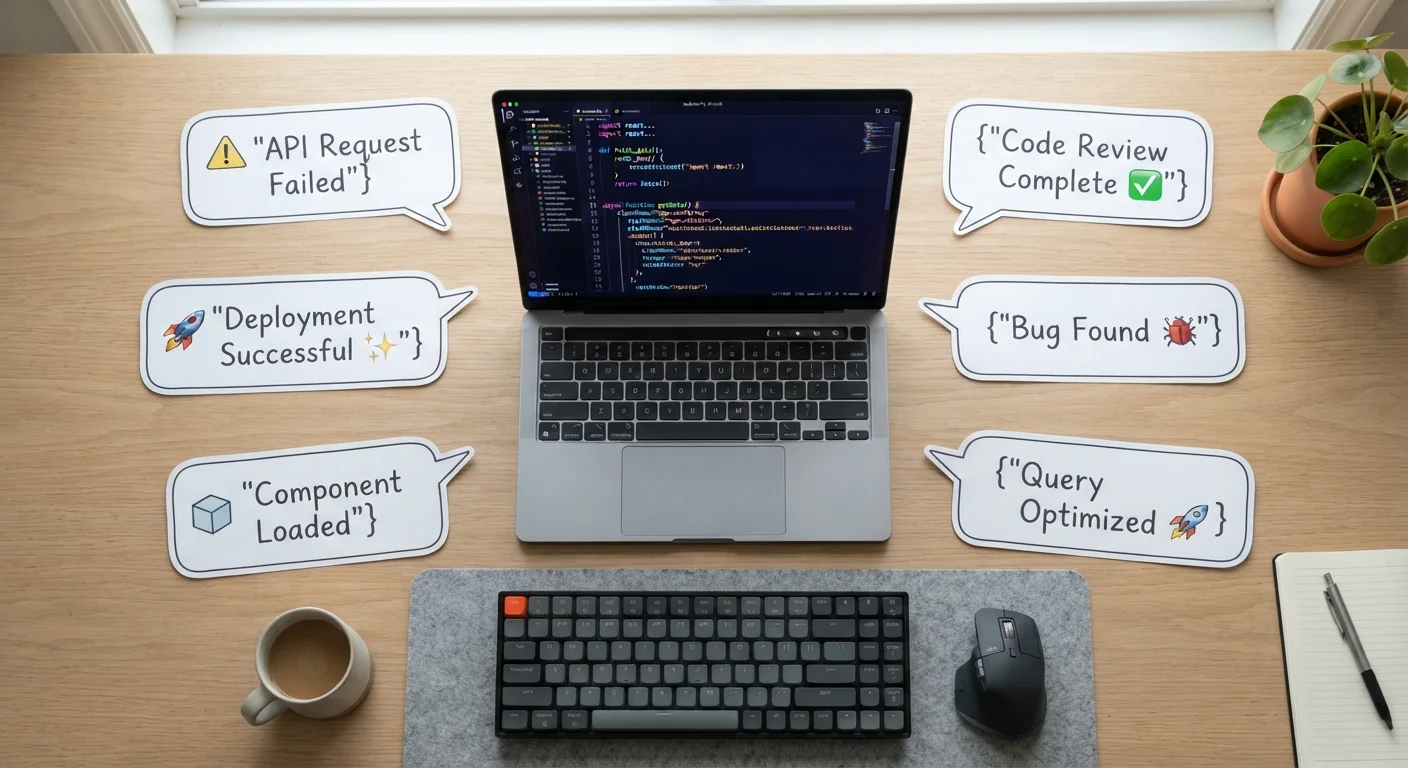
Why Software Vocabulary Matters for Everyday Users
You don't have to be a developer to encounter software terminology. App store descriptions mention APIs. Privacy policies reference encryption. System prompts ask whether you want to run something in a sandbox. When you don't know what these terms mean, you're left guessing at decisions that affect your data, your security, and how you use your devices.
This glossary covers the software terms consumers encounter most often — not an exhaustive programmer's dictionary, but a focused reference for curious, non-technical readers. Think of it as a translation layer between the language software companies use and the meaning behind it. For hardware terminology found on spec sheets, see the Consumer Tech Glossary for complementary context.
API
Application Programming Interface — a defined set of rules that lets two pieces of software communicate with each other. When an app says it "connects to" a service, it's almost certainly using that service's API to exchange data.
Sandbox
An isolated environment where software can run without affecting the rest of the system. Browsers use sandboxing to contain web content; developers use it to test code safely before deploying it to users.
Bug
An unintended error in a program's code that causes it to behave incorrectly. Bugs range from minor visual glitches to serious security vulnerabilities.
Cache
A temporary storage location that holds recently accessed data so it can be retrieved faster next time. Clearing an app's cache removes this stored data, which can fix display issues but may slow initial load times briefly.
Latency
The delay between when a request is sent and when a response arrives. High latency makes online interactions feel sluggish; it's distinct from bandwidth (the volume of data transferred).
Legacy Software
Older software that is still in use even though it has been superseded by newer technology. Legacy systems are common in large organizations and can create compatibility and security challenges.
SaaS
Software as a Service — a delivery model where software is hosted remotely and accessed via a subscription, rather than installed locally. Most productivity suites and streaming platforms operate this way.
Deprecation
The process of signaling that a feature or version of software is being phased out. Deprecated features still work temporarily but will eventually be removed, so users are encouraged to find alternatives.
Terms You'll Meet in App Settings and Privacy Notices
Several software terms appear most often in the places consumers least expect to read carefully — settings menus, permission dialogs, and privacy policies. Understanding them helps you make informed choices rather than reflexively tapping "Allow" or "Accept."
- Permissions: Explicit access rights an app requests from your operating system — such as reading contacts, using the camera, or tracking location. You can typically review and revoke these in your device's settings.
- Cookies: Small data files a website stores on your device to remember information about your session or preferences. First-party cookies come from the site you're visiting; third-party cookies come from external advertisers or analytics services embedded on that page.
- End-to-End Encryption (E2EE): A security method where data is scrambled at the sender's device and only unscrambled at the recipient's device. Not even the service provider can read the content in transit.
- Two-Factor Authentication (2FA): A login process that requires two separate proofs of identity — for example, a password plus a code sent to your phone — making unauthorized access significantly harder.
When an app requests a permission that doesn't logically match its purpose (a flashlight app wanting your contacts, for instance), that mismatch is a signal worth investigating.
Core Concepts: Platforms, Clients, and the Cloud
Three structural ideas underpin most of the software you use daily, yet they're rarely explained outside technical documentation.
Platform vs. Application
A platform is an environment on which other software runs — think of an operating system (Windows, macOS, iOS) or an app marketplace. An application (or app) is a program that runs on top of a platform to perform specific tasks. The distinction matters when you see compatibility notes: a platform requirement means the software won't run at all without it.
Client and Server
A client is any device or program that requests data — your browser or email app, for example. A server is the remote system that responds to those requests and delivers the content. When a web page loads slowly, the delay can sit on either side of this relationship, which is why troubleshooting steps often ask you to test on different networks or devices.
The Cloud
"The cloud" is essentially someone else's server infrastructure, accessed over the internet. When you save a file to cloud storage, it physically lives on a server in a data center; you're accessing it remotely. The convenience trade-off involves trusting that provider's security and availability practices. For a parallel to how financial terminology operates under similar trust assumptions, the Credit & Debt Glossary offers a useful comparison in a different domain.
Development and Update Terms Worth Knowing
Even if you never write a line of code, the way software is built and updated directly affects your experience as a user.
| Alpha release stability | Highly unstable — internal testing only |
| Beta release stability | Usable but may contain bugs |
| Stable release | Recommended for general use |
| Patch scope | Targeted fix for one bug or vulnerability |
| Major version change | Significant structural changes; may affect compatibility |
| Open-source code visibility | Publicly viewable and auditable under license terms |
Release Versions: Alpha, Beta, and Stable
Software typically moves through testing stages before a general release. An alpha version is early and unstable — mostly for internal testing. A beta version is more complete but still being refined, often opened to a subset of users for feedback. A stable (or general availability) release is the version recommended for everyday use. Opting into a beta gives you early features at the cost of potential bugs.
Patches and Updates
A patch is a targeted fix for a specific bug or security vulnerability, usually small in scope. An update is broader, potentially adding features and multiple fixes simultaneously. A major version change (moving from version 3 to version 4, for example) often signals significant architectural changes that may affect compatibility with other software or devices.
Open Source vs. Proprietary
Open-source software makes its underlying code publicly visible and modifiable under specific licensing terms. Proprietary software keeps its code private; you can use it only under the vendor's terms. Open source isn't automatically more secure, but it allows independent security researchers to inspect and audit the code.
These concepts extend beyond tech — just as insurance policies carry defined terms and exclusions that affect your real-world coverage (explored in the Insurance Terms Glossary), software license terms carry real constraints on how you can use a product.
The content on this site is for informational purposes only and is not a substitute for professional advice. Always consult a qualified professional for guidance specific to your situation.