

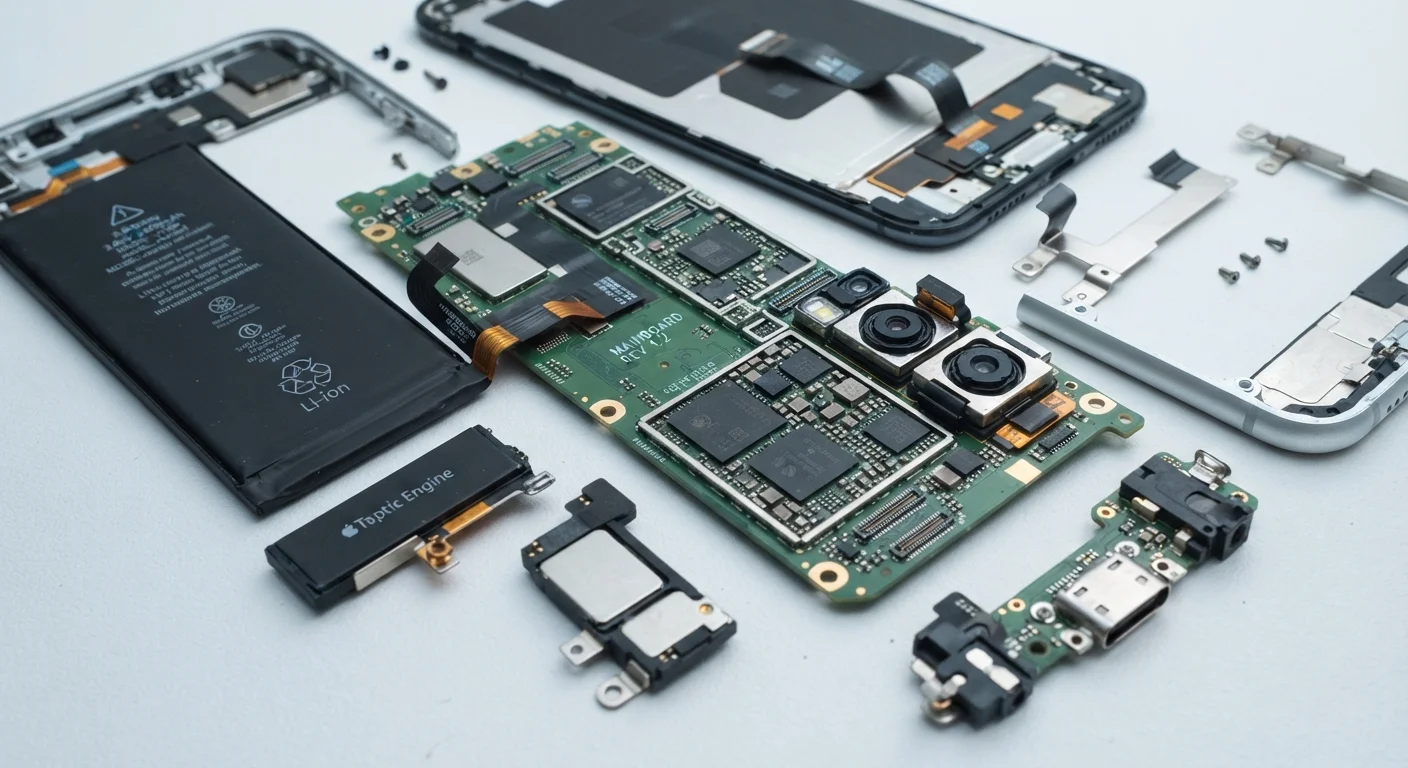
Why Some Devices Age Faster Than Others
A smartphone purchased two years ago can feel sluggish today while a laptop bought five years back still handles everyday tasks without complaint. This disparity rarely comes down to luck - it's the result of deliberate engineering choices, software policies, and the physics of battery chemistry. Understanding these factors lets consumers look past marketing language and evaluate a gadget's likely lifespan before committing to it.
Two broad categories drive longevity: hardware (the physical components inside the device) and software (the operating system and apps that run on them). Neither works in isolation - a powerful processor paired with a manufacturer that abandons software support after 18 months still produces a short-lived device.
For a plain-language guide to the spec terms you'll encounter during this research, see the Consumer Tech Glossary.
Hardware Factors That Drive Long-Term Usefulness
The physical components chosen at design time set a ceiling on how capable a device can ever be. No software update can add RAM that doesn't exist or shrink a chip that runs too hot.
Prioritize the processor generation, not just the model name, when evaluating hardware longevity.
Chips manufactured on smaller process nodes (measured in nanometers) run more efficiently and handle more demanding future software without overheating. An older generation chip - even one with a high model number - may hit thermal limits much sooner, causing the device to throttle performance to cool down.
Check RAM capacity against the expected use case, with a buffer for future software bloat.
Operating systems and apps grow in memory demands over time. A device that meets minimum RAM requirements at launch often feels sluggish within two to three years as software expectations rise. More RAM also reduces reliance on slower storage for temporary data, keeping the device responsive.
Evaluate storage type (flash memory speed class) as a factor in sustained performance.
Faster storage standards - such as UFS on phones or NVMe on laptops - reduce the time the processor spends waiting for data. Devices using slower storage classes show more pronounced sluggishness as local data grows and the OS becomes more complex over time.
Assess thermal design by looking for active cooling (fans) or, in passively cooled devices, reviews that test sustained load performance.
Sustained performance throttling - where a device slows itself down to avoid overheating - is rarely disclosed on spec sheets. A device that runs fine for short tasks but throttles during extended workloads will feel increasingly inadequate as software demands increase.
Software Support: The Factor Most Buyers Underestimate
Even the most capable hardware becomes a liability once its manufacturer stops delivering security patches and OS updates. Unpatched vulnerabilities accumulate; apps begin to require newer OS versions; performance optimizations never arrive. The device still technically works, but it grows increasingly risky and limited to use.
2-3 years
Typical security update window, budget Android devices
Many entry-level Android smartphones receive security patches for only two to three years after launch, according to manufacturer-published support policies.
5-7 years
Extended OS support commitment, select manufacturers
Some manufacturers have publicly committed to five to seven years of OS and security updates, a policy gap that meaningfully separates device lifespans at the same price point.
Software longevity is now a competitive differentiator in the consumer electronics market. Some manufacturers publicly commit to a fixed number of years of OS and security updates - a figure worth researching explicitly before purchasing. The Software & Apps hub covers how operating systems and app ecosystems interact with device lifespan in greater depth.
Battery degradation compounds software neglect. As cells age, the operating system may throttle processor speed to prevent unexpected shutdowns - making an already unsupported device feel even slower. For a detailed look at battery ratings and what they predict, see Battery Capacity Numbers Decoded.
Practical Steps to Extend the Gadgets You Already Own
Even with imperfect hardware or a tightening support window, deliberate habits can meaningfully extend how long a device stays useful.
Just as neglected maintenance quietly shortens a car's life - a dynamic explored in The Overlooked Maintenance Tasks That Quietly Shorten a Car's Life - small, consistent device care habits compound over time in ways that a single intervention cannot replicate.
The content on this site is for informational purposes only and is not a substitute for professional advice. Always consult a qualified professional for guidance specific to your situation.