

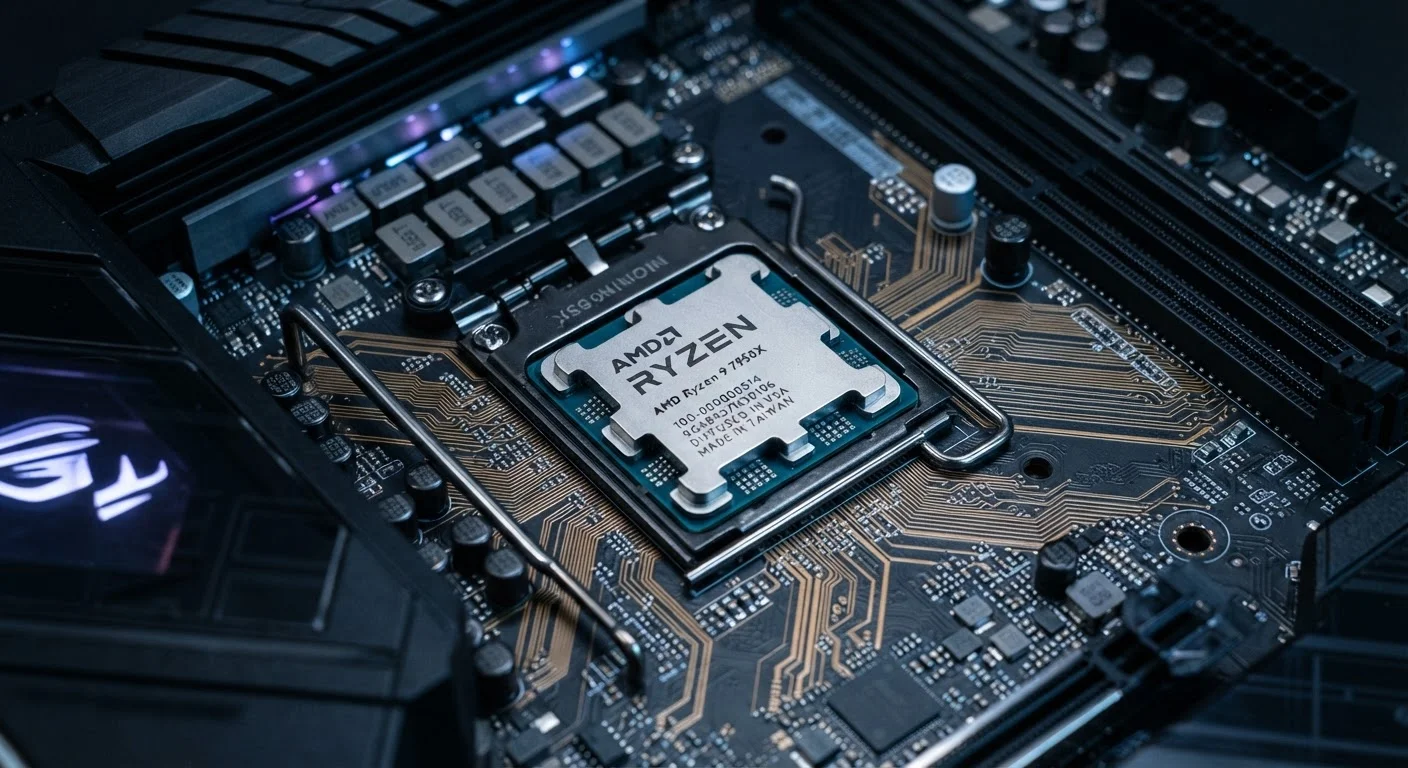
What GHz Actually Measures
When a processor is listed at 3.5 GHz, that number tells you its clock speed - literally, how many billions of cycles the chip completes every second. Think of it as the tempo of a metronome: it sets the rhythm at which the processor can execute instructions, but it says nothing about how many instruments are playing, how complex the music is, or how efficiently the musicians are reading the sheet.
A single clock cycle doesn't equal a single completed task. Depending on the processor's internal design - its microarchitecture - it may complete one instruction per cycle, several instructions per cycle, or stretch a single complex instruction across many cycles. This ratio is called IPC (Instructions Per Clock), and it's just as important as the clock speed itself. Two chips running at identical GHz but with different IPC ratings will deliver measurably different real-world performance.
For a broader look at how specs inside your devices translate to everyday use, see what's actually inside a smartphone.
The Myths Worth Correcting
Processor marketing has conditioned consumers to treat GHz as the primary - sometimes only - performance metric worth checking. The myths below show why that framing consistently misleads buyers.
Myth
A higher GHz number always means a faster processor, regardless of anything else.
Fact
GHz measures clock cycles per second, not work completed per second. Architecture, IPC, and core count all determine how much a processor actually accomplishes at any given speed.
This is the foundational misunderstanding. Comparing GHz across different processor families or generations is like comparing engine RPM between a motorcycle and a semi-truck and concluding the motorcycle must be more powerful. The internal design - how efficiently each cycle is used - changes everything. Intel's and AMD's modern desktop processors, for example, regularly outperform older chips at significantly higher GHz because each clock cycle does substantially more work.
Myth
More GHz always means better battery life for mobile devices.
Fact
Higher clock speeds generally consume more power, not less. Efficiency-focused architectures that run at moderate clock speeds often deliver better battery life than raw-GHz designs.
Modern mobile chip designers often use heterogeneous core designs - pairing high-performance cores (which run at higher GHz for demanding tasks) with high-efficiency cores (which run at lower GHz for routine tasks like checking notifications or playing music). The device dynamically shifts work to the appropriate core type. This approach extends battery life precisely because it avoids running everything at peak clock speed.
Myth
A processor with twice the GHz will run your applications twice as fast.
Fact
Application speed rarely scales linearly with clock speed. Software design, memory bandwidth, and storage access times all create limits that additional GHz cannot overcome.
Most real-world applications are not purely CPU-bound. When you open a large file, the bottleneck is often the storage drive reading data - the processor sits idle waiting. When you load a complex webpage, network latency and rendering pipelines matter more than clock speed. Doubling GHz in these scenarios produces gains measured in single-digit percentages, not the expected twofold improvement.
Myth
The GHz rating on a smartphone works the same way as on a laptop or desktop processor.
Fact
Smartphone processors (called SoCs) are architecturally distinct from desktop CPUs, making direct GHz comparisons between the two categories meaningless.
A smartphone's System on a Chip (SoC) integrates the processor cores, graphics processor, modem, neural engine, and memory controller into a single package optimized for power efficiency at a fundamentally different scale than a desktop CPU. A desktop chip at 4 GHz and a smartphone chip at 3.2 GHz are not competing in the same category; they are built for entirely different thermal envelopes, power budgets, and use cases. Comparing their clock speeds directly produces no useful insight.
The Other Factors That Actually Drive Speed
Once you move past clock speed, three additional CPU-level factors do the heaviest lifting:
- Core count: Modern processors contain multiple independent processing cores. A chip with eight cores can handle eight parallel workloads simultaneously. For tasks like video editing, 3D rendering, or running many browser tabs at once, more cores matter far more than a slightly higher GHz figure.
- Cache memory: The processor's onboard cache is ultra-fast storage that holds data the chip is actively using. A larger cache reduces the frequency with which the CPU must wait for data to arrive from slower system RAM - and those waits, even measured in nanoseconds, add up across billions of operations.
- Architecture generation: Chipmakers release new processor generations that improve IPC, power efficiency, and feature sets even without raising clock speeds. A newer-generation chip at 3.0 GHz will routinely outperform a two-generation-older chip at 4.0 GHz on identical tasks.
Beyond the processor itself, your device's overall speed depends on how fast its RAM is, whether it uses a solid-state drive, and how well its software is optimized for the hardware underneath. The CPU is the engine, but it's not the entire vehicle. For the full picture of laptop hardware, explore the guided laptop component tour.
~2×
IPC improvement across recent CPU generations
Processor architecture analyses have documented roughly twofold IPC gains between some chip generations separated by just a few years, with no increase in clock speed.
~70%
Of perceived slowness attributed to storage, not CPU
Industry performance research consistently finds that upgrading from a mechanical hard drive to an SSD produces more noticeable speed improvements for most users than a processor upgrade.
How to Evaluate a Processor Before You Buy
Rather than anchoring on GHz alone, use these more reliable signals when comparing processors:
- Look up independent benchmark results for the specific processor model. Benchmarks measure real task completion - video exports, application launches, multitasking loads - rather than theoretical clock speed. They are the closest proxy to lived experience available before purchase.
- Check the generation and architecture. Processor families follow naming conventions (e.g., a 13th-generation chip vs. a 10th-generation chip from the same manufacturer). Generation jumps often bring efficiency gains that spec sheets don't highlight.
- Match the chip to your actual workload. A processor optimized for sustained multi-threaded tasks (content creation, data analysis) is a different tool from one optimized for quick single-core responsiveness (general browsing, light office work). Neither is universally better.
- Consider thermal limits. In thin laptops and smartphones, a processor may have a high peak clock speed it can only sustain for a few seconds before heat forces it to throttle down. A chip with a slightly lower peak but better thermal headroom often delivers more consistent performance over a full working session.
Benchmarks Over Box Claims
Manufacturer-listed GHz figures are marketing specifications, not performance guarantees. Before any hardware purchase, cross-reference the processor model against third-party benchmark databases that test the chip under realistic workloads. The few minutes this takes routinely surfaces performance differences that the spec sheet entirely obscures.
The content on this site is for informational purposes only and is not a substitute for professional advice. Always consult a qualified professional for guidance specific to your situation.