

Our Verdict
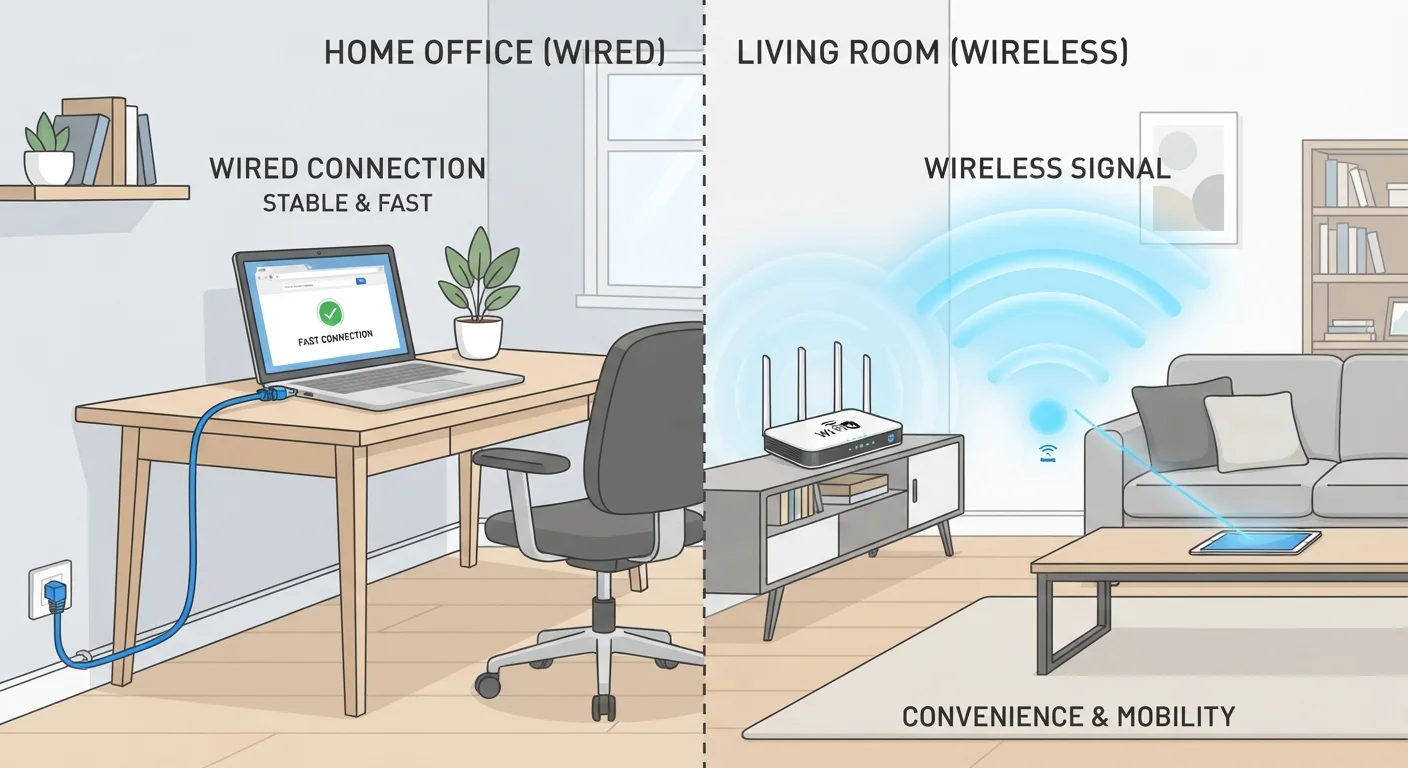
Neither Ethernet nor Wi-Fi is universally superior — the right choice depends on what a device does and where it sits in your home. Ethernet wins on stability and raw throughput for demanding, fixed workloads; Wi-Fi wins on convenience and flexibility for mobile and low-bandwidth devices. Most households benefit most from running both in a thoughtful hybrid layout.
| Best for | Recommended |
|---|---|
| Gaming consoles, desktop PCs, and streaming boxes | Ethernet |
| Smartphones, tablets, and laptops used around the home | Wi-Fi |
| Smart home sensors, cameras, and low-data IoT devices | Wi-Fi |
| Home offices with video conferencing or large file transfers | Ethernet |
What Actually Separates Wired from Wireless
An Ethernet connection transmits data through a physical cable — typically Cat 5e, Cat 6, or Cat 6a twisted-pair cable — directly between your device and a router or switch. A Wi-Fi connection uses radio frequency signals broadcast from a wireless access point. That single physical difference creates a cascade of practical consequences around speed, consistency, and where you can use each technology.
Ethernet eliminates two of Wi-Fi's most persistent weaknesses: signal interference and variable path quality. A cable is a dedicated, shielded channel; it doesn't compete with your neighbour's network or a nearby microwave oven. Wi-Fi signals, by contrast, share spectrum with other devices and degrade as they pass through walls and floors. For a deeper look at how those radio bands behave, see how 2.4 GHz and 5 GHz bands differ in real-world conditions.
Latency — the round-trip time for a data packet — is also consistently lower over Ethernet, typically by 1–5 milliseconds in a home environment. That gap sounds tiny but matters for real-time applications like online gaming or video calls.
Room-by-Room and Use-Case Breakdown
Thinking by room and by activity is more useful than picking a single answer for the whole house.
Home Office
Video conferencing platforms encode and transmit live audio and video simultaneously; dropped packets cause the freezing and audio glitches that undermine meetings. A wired connection removes that variability. If running a cable isn't practical, understanding what degrades your Wi-Fi signal can help you minimise wireless interference in the meantime.
Living Room
Streaming 4K video requires sustained throughput — commonly around 25 Mbps per stream — and benefits from Ethernet's consistency. Gaming consoles in particular gain from the reduced latency of a wired link. If cabling is impractical here, a mesh node placed nearby is a reasonable alternative; see mesh networks vs. traditional routers for how that tradeoff works.
Bedrooms and Common Areas
Smartphones and tablets move around constantly and access relatively low-bandwidth tasks — social media, messaging, web browsing. Wi-Fi is the natural and sufficient choice here. Stationary devices like smart displays or streaming sticks could technically use either, but Wi-Fi is usually simpler to deploy.
Kitchen and Utility Spaces
Smart home sensors, connected appliances, and security cameras are typically low-data-rate devices. Wi-Fi handles them comfortably, and running Ethernet to every such device would be impractical and unnecessary.
| Ethernet | Wi-Fi | |
|---|---|---|
| Typical latency | 1–5 ms (home environment) | 5–30 ms (varies with conditions) |
| Speed consistency | Very high — unaffected by interference | Variable — depends on signal strength and congestion |
| Mobility | None — device must stay tethered | Full — works anywhere in signal range |
| Setup complexity | Moderate — requires cabling runs | Low — connect and go |
| Interference susceptibility | None | High — walls, devices, neighbouring networks |
| Security exposure | Low — physical access required | Higher — signal extends beyond walls |
| Best device types | Desktops, consoles, NAS, smart TVs | Phones, tablets, laptops, IoT devices |
Security and Network Management Considerations
Ethernet has a built-in security advantage: a device must be physically connected to join the network segment, which removes the radio-based attack surface entirely. Wi-Fi networks can be secured effectively with modern protocols (WPA3 being current best practice), but the wireless signal itself extends beyond your walls and is therefore inherently more exposed to probing. If you're configuring your wireless network from scratch, setting up a secure home Wi-Fi network walks through the key steps.
From a management perspective, Ethernet connections are easier to troubleshoot — if a wired device loses connectivity, the problem is usually the cable, the port, or the device itself. Wireless issues involve more variables: signal strength, channel congestion, firmware, and device positioning. Running a periodic home network audit helps surface problems in either type of connection before they become disruptive.
Finally, remember that your local network performance only matters up to the speed delivered by your broadband connection. If you're unsure what that ceiling is or why it varies, how fibre, cable, and DSL reach your home explains how the technology entering your property affects everything downstream.
The content on this site is for informational purposes only and is not a substitute for professional advice. Always consult a qualified professional for guidance specific to your situation.